Zoo
You are going to create a small website for WildWorld Zoo.
The website will have three pages:
- A homepage
- A page about the Lion Enclosure
- A page about the Penguin Pool
You will also download the images from Super Study Party and organise them inside an images folder.

Task 1 - Set up your website
- Create a new folder called ‘wildworld-zoo‘
- Inside this folder, create another folder called ‘images‘
- Download the three zoo images from Super Study Party
- Save all three images inside the images folder
wildworld-zoo
│
├── index.html
├── lions.html
├── penguins.html
│
└── images
    ├── zoo.jpg
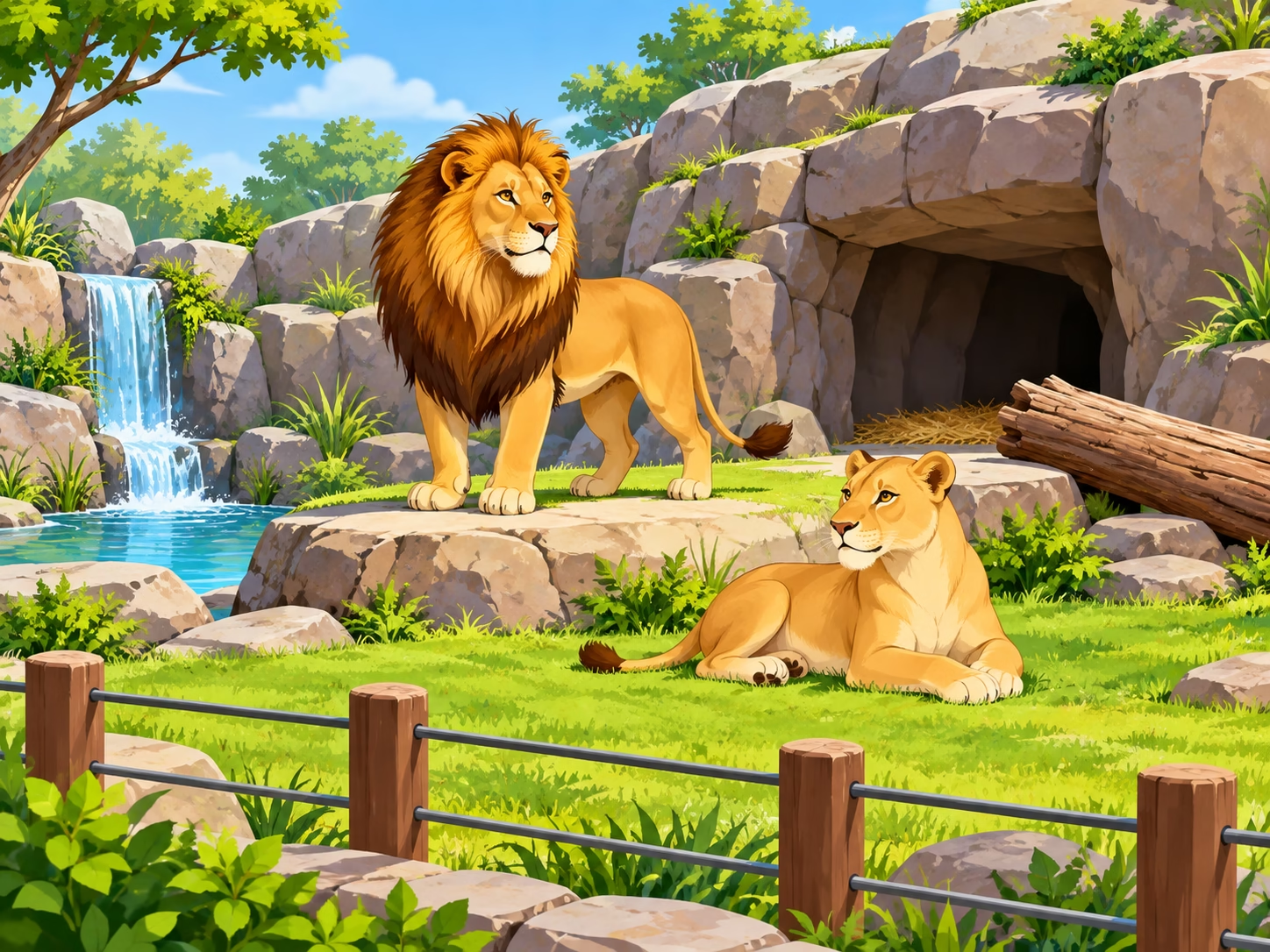
    ├── lion.jpg
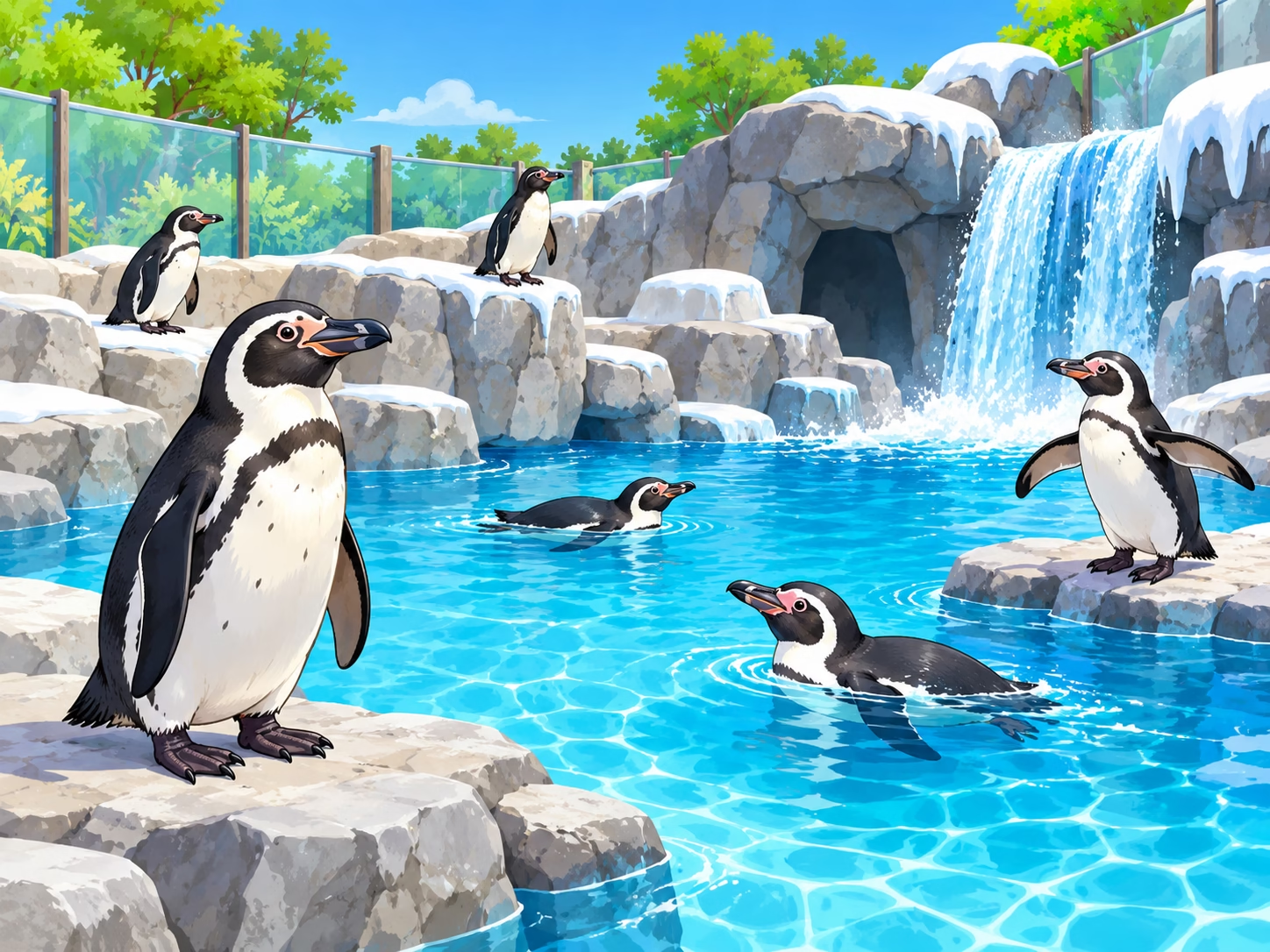
    └── penguin.jpg
Task 2 - Create the website
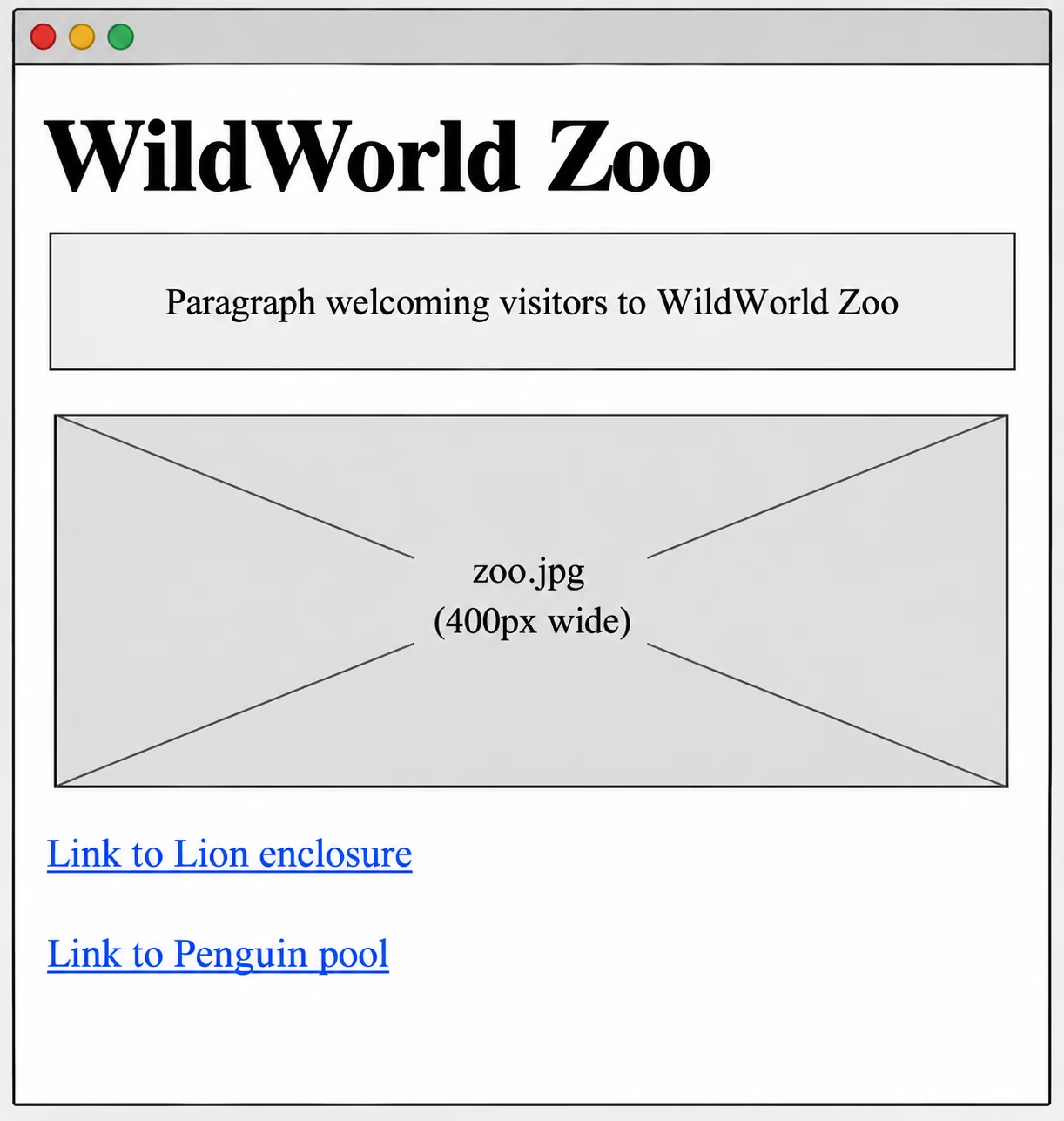
Homepage - index.html
- Create the homepage with:
- The main heading WildWorld Zoo
- A short paragraph introducing the zoo
- The zoo.jpg image displayed at 400px wide
- An internal hyperlink to the Lion Enclosure page
- An internal hyperlink to the Penguin Pool page
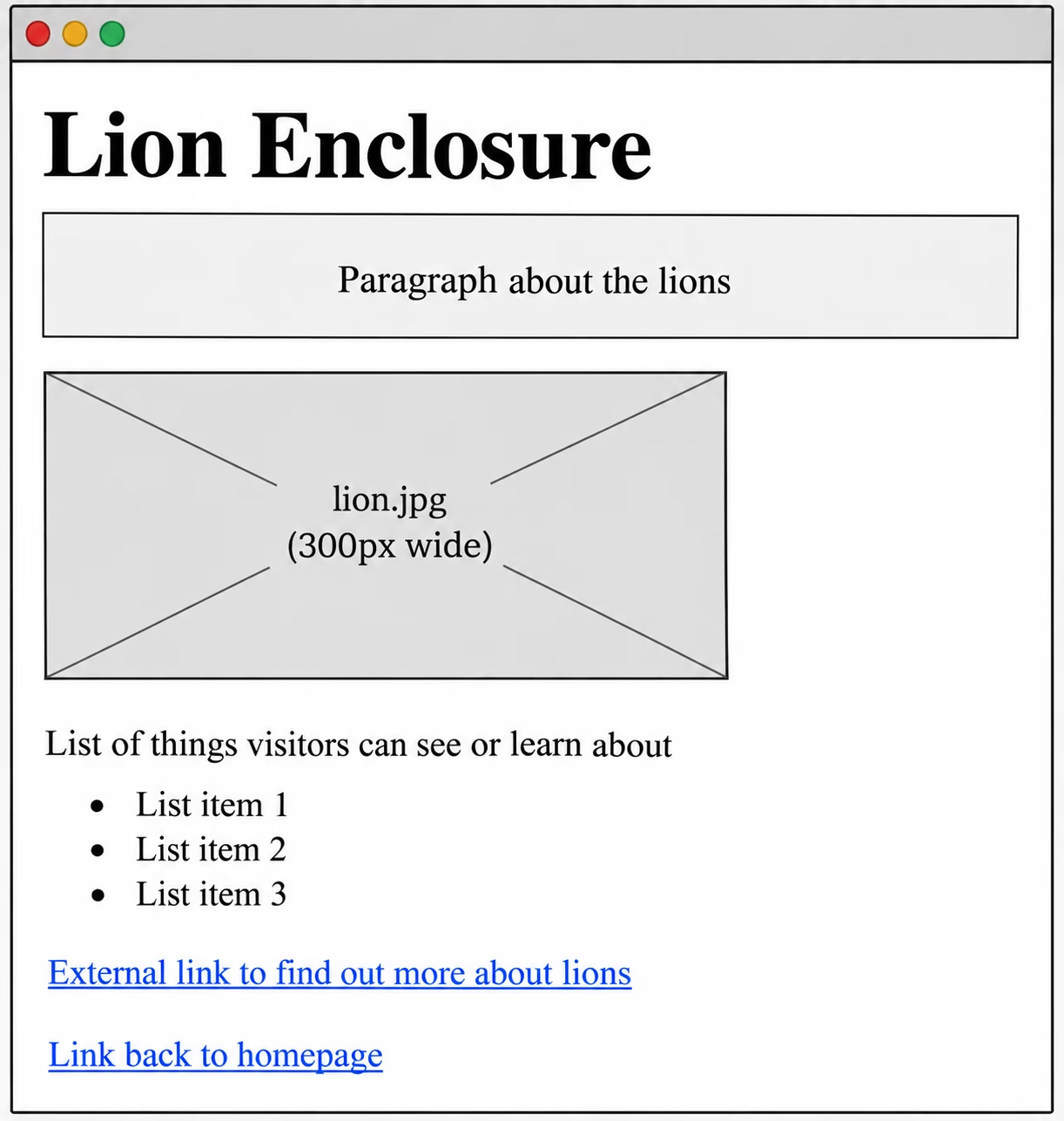
Lion Enclosure - lions.html
- Create a page with:
- The main heading Lion Enclosure
- A paragraph about the lions
- The lion.jpg image displayed at 300px wide
- A bulleted list of things visitors can see or learn about
- An external hyperlink to a website where visitors can find out more about lions
- An internal hyperlink back to the homepage
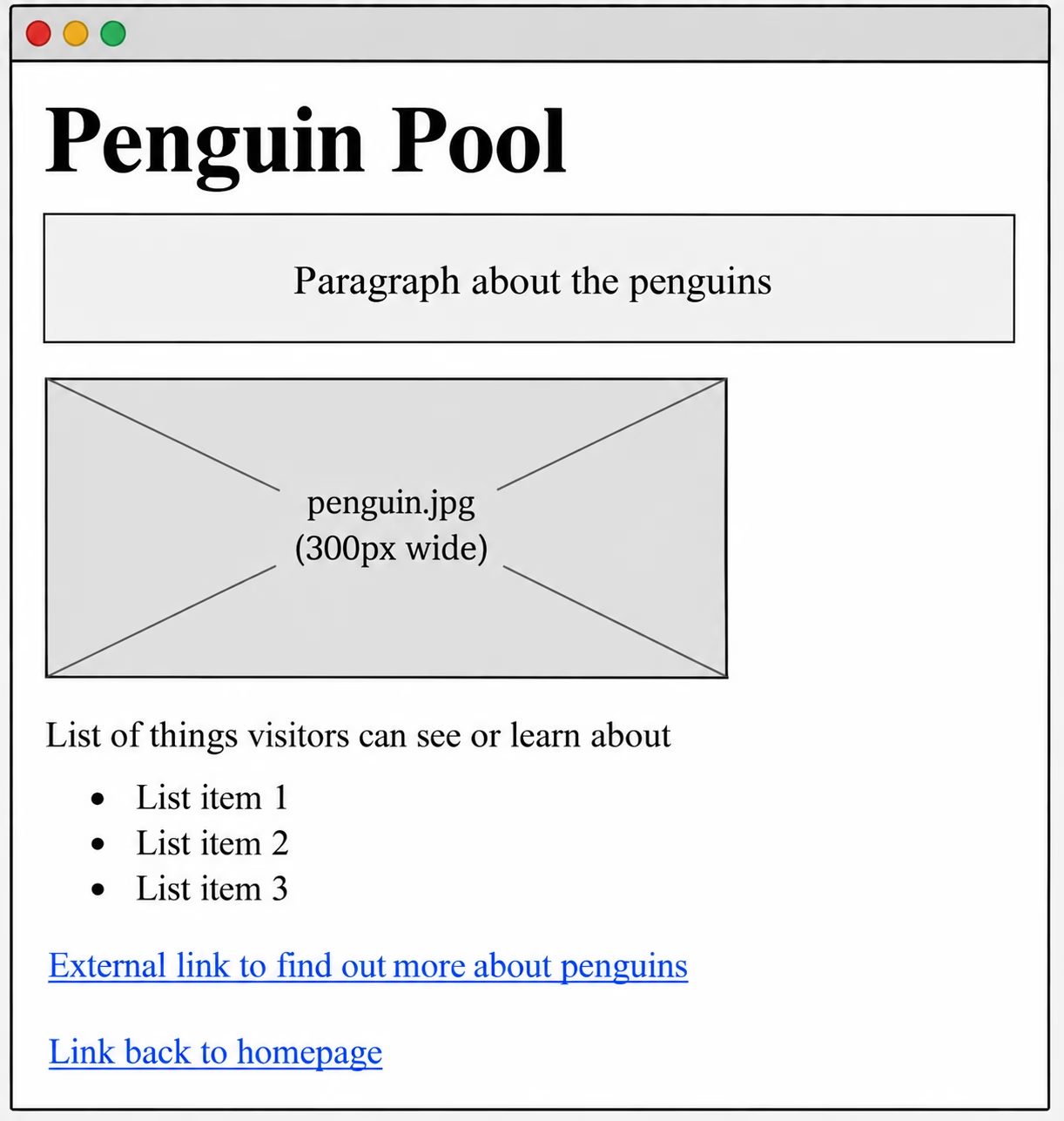
Penguin Pool - penguins.html
- Create a page with:
- The main heading Penguin Pool
- A paragraph about the penguins
- The penguin.jpg image displayed at 300px wide
- A bulleted list of things visitors can see or learn about
- An external hyperlink to a website where visitors can find out more about penguins
- An internal hyperlink back to the homepage