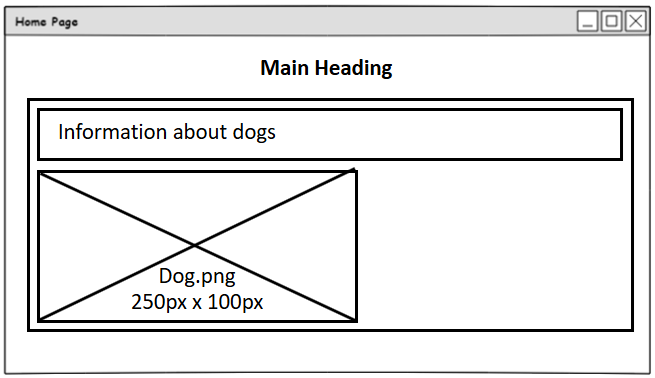
Wireframes
A wireframe is a sketch, often labeled, that puts the idea of a website on paper. The wireframe can then be discussed and changed before any further development begins.
All wireframes require the following elements:
- All text elements
- Media Elements (images, audio clips and video clips)
- Elements that allow the user to interact with the page
- Internal and External Hyperlinks
Key Points
End User requirements are the things a user can do on a web page.
End User requirements should start with ‘Users can…’.
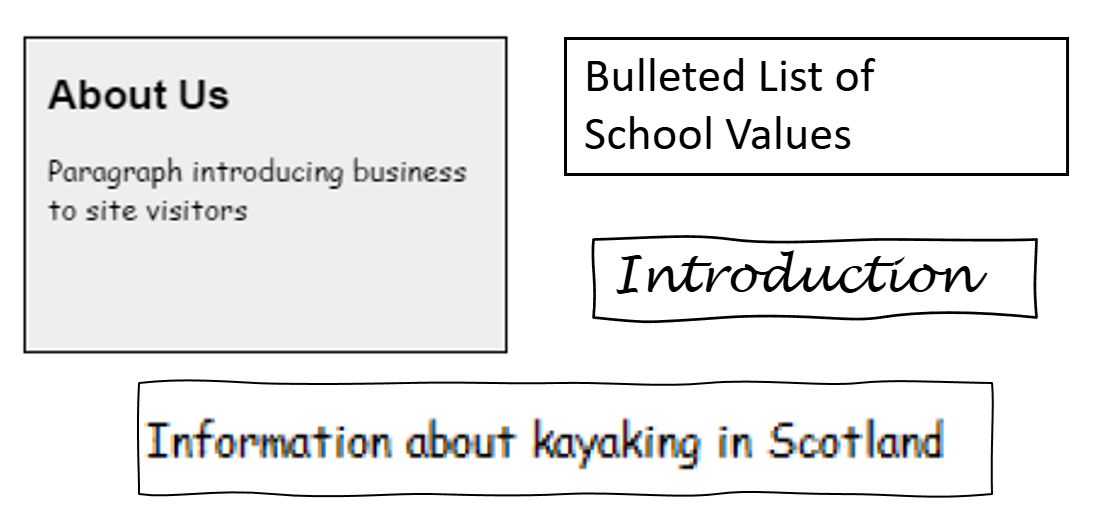
Adding Text Elements to a Wireframe
To add text elements to a wireframe, areas of text should be drawn with borders.
Sometimes, general headings and dummy text are used for illustration.
Section headings and descriptions help to understand the page layout.
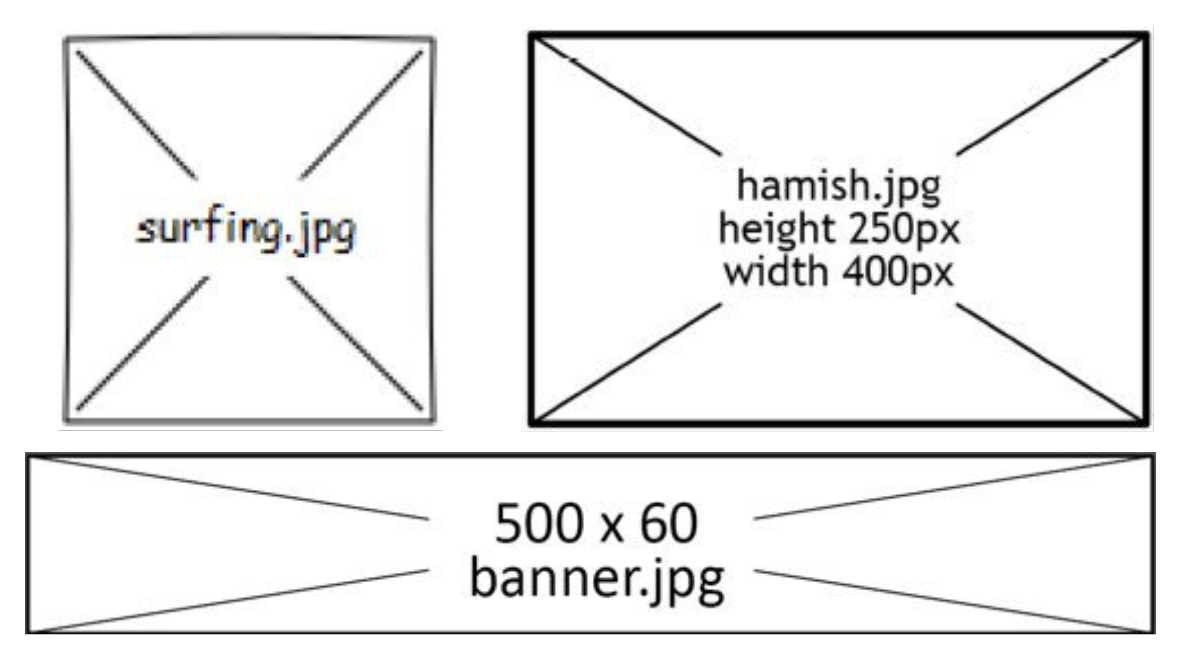
Adding Image Elements to a Wireframe
To add image elements to a wireframe, a box with a cross through it should be used.
Inside the box, the name of the image and size should also be stated if they are known.
The graphics file type should also be used where possible.
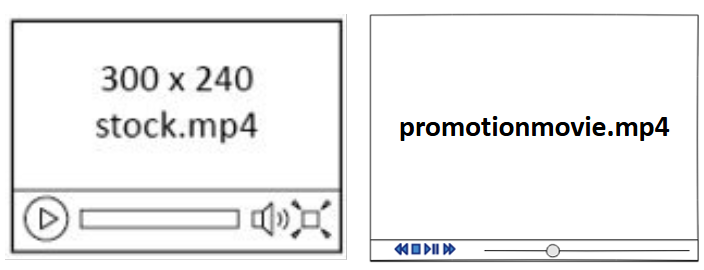
Adding Video Elements to a Wireframe
Use an empty box to add a video element to a wireframe.
Inside the box, add the name of the video file and the dimensions of the video if they are known.
The file format should also be used if it is known.
Represent the media window controls (Play, Stop, etc).
Adding Audio Elements to a Wireframe
Audio elements are very similar to video elements when adding audio to a wireframe.
The media controls should be drawn, as well as the file name and file format being provided if known.

Adding Navigation Elements to a Wireframe
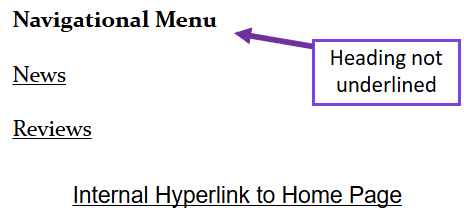
Hyperlinks should be shown with underlining and do not require a box.
Where necessary, it should be indicated if the hyperlink is internal or external.
Providing names for each link helps show the site structure.
Adding Div Elements to a Wireframe
Divs should be drawn as a box around your content.
Divs should be full-width of the page.
Each div should have content inside it.