Headings and Paragraphs
A tag is a piece of HTML code that tells the browser what type of content to display on the page.
Most tags have an opening tag ‘<>’ and a closing tag ‘</>’. The content is written between these tags.
The <h1> tag is used for the main heading on a page. It is usually the largest heading.
The <h2> tag is used for subheadings. It helps to organise different sections of the page.
<h1>The Solar System</h1>

<h2>Mercury</h2>
The <p> tag is used for paragraphs. It displays normal text and starts a new paragraph each time it is used.
<p>Mercury is the closest planet to the Sun.</p>
Task 1
Create a web page about the Solar System.
- Add the main page heading using an <h1> tag
- Add a subheading for ‘Mercury’ using the <h2> tag
- Add information about Mercury using the <p> tag
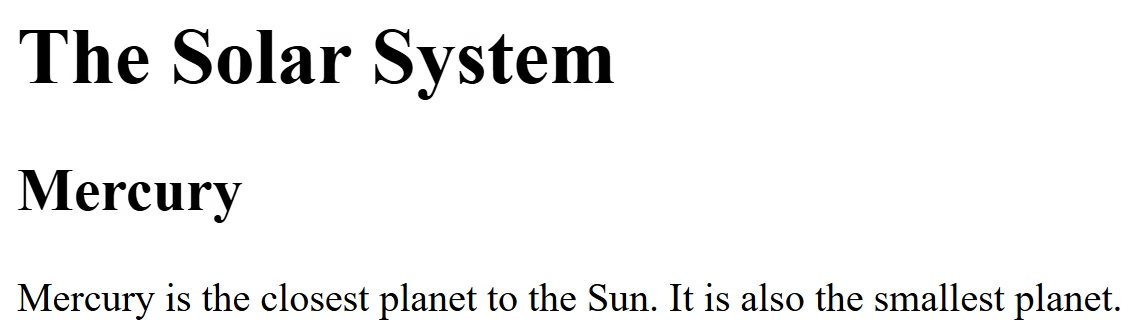
<h1>The Solar System</h1>

<h2>Mercury</h2>
<p>Mercury is the closest planet to the Sun. It is also the smallest planet.</p>
Task 2
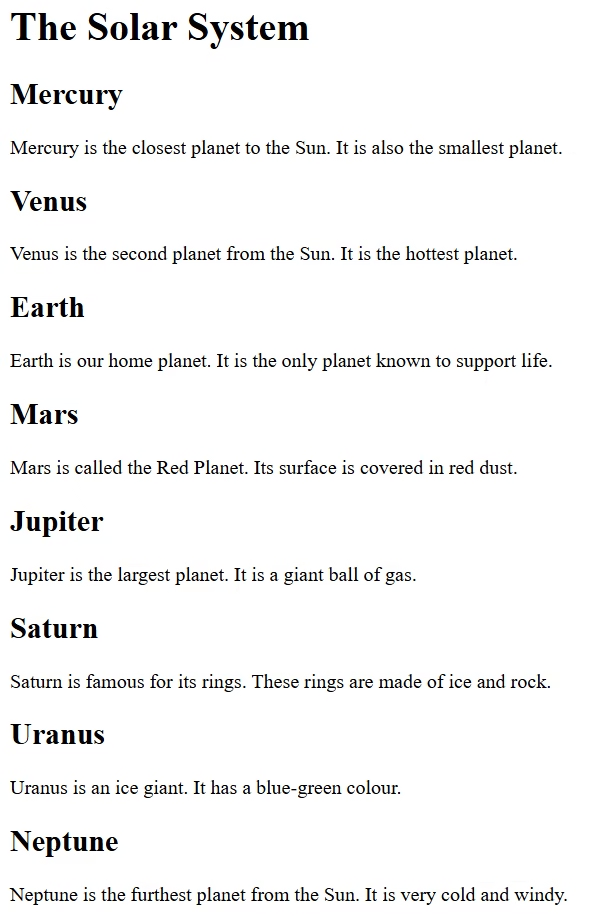
Update the page with a heading and paragraph for the remaining seven planets.
- <h2>Planet name</h2>
- <p>Planet description</p>
Task 3
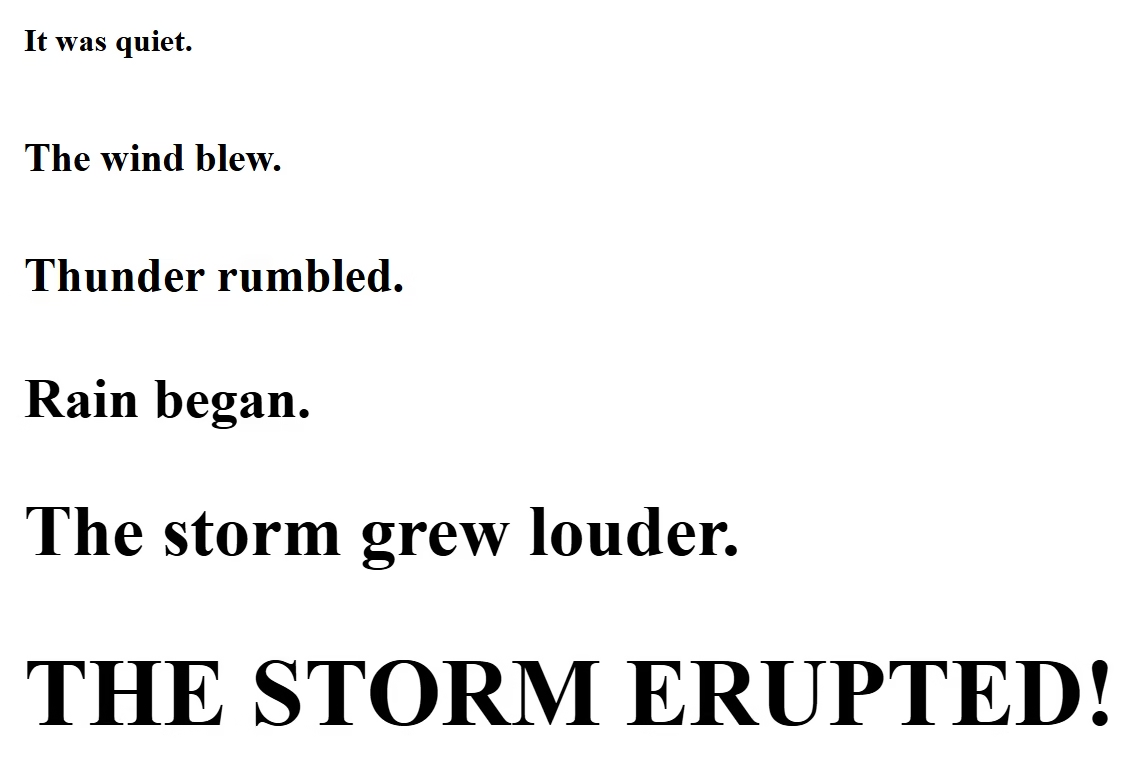
Create a new webpage with the story below.
Use the <h1> to <h6> tags.
Task 4
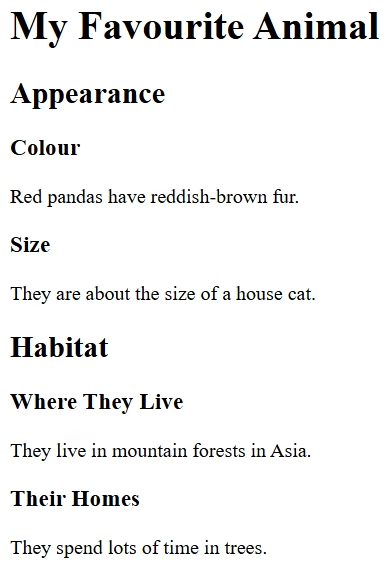
Create a new webpage about your favourite animal. An example is shown below.
Task 5
Create the webpage below and fill in the blanks to finish the story.