Learn > BGE > HTML > 2. Lists

Lists

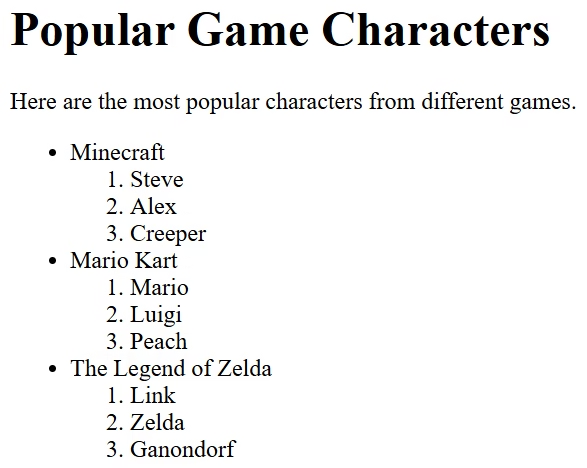
Lists are used to display information in a clear and organised way on a web page.

  • The <ul> tag creates an unordered list. This displays items using bullet points.
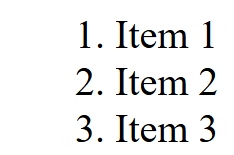
  • The <ol> tag creates an ordered list. This displays items using numbers.
  • The <li> tag is used to create each item in a list. Every list item must be placed inside either a <ul> or <ol> tag.

Using lists helps organise information and makes web pages easier to read.

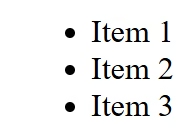
Example

<ul>
    <li>Item 1</li>
    <li>Item 2</li>
    <li>Item 3</li>
</ul>
Task 1

Copy the code below to create a web page about countries.
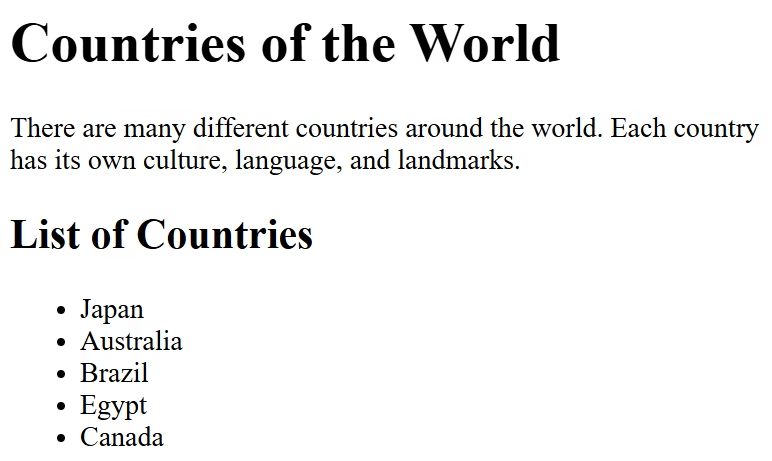
<h1>Countries of the World</h1>

<p>There are many different countries around the world. Each country has its own culture, language, and landmarks.</p>

<h2> List of Countries</h2>

<ul>
    <li>Japan</li>
    <li>Australia</li>
    <li>Brazil</li>
    <li>Egypt</li>
    <li>Canada</li>
</ul>

Task 1

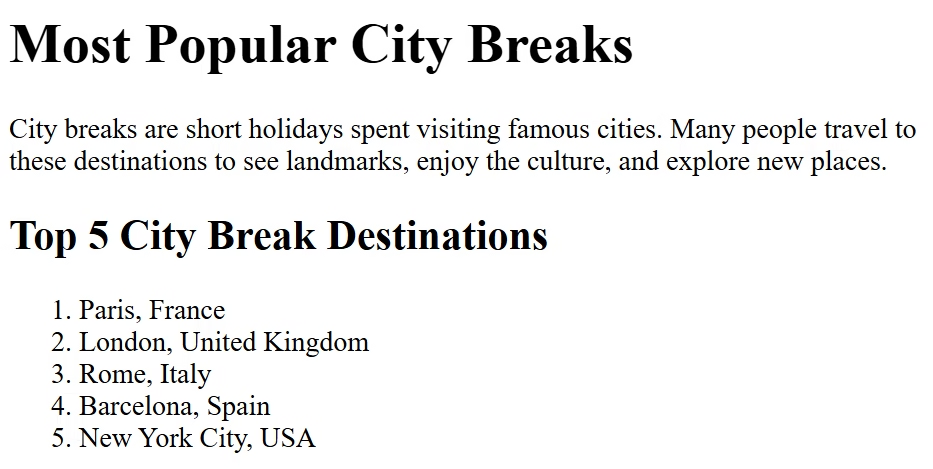
Create a new web page about the most popular city break destinations to match the screenshot below.

The page should include an ordered list created using the <ol> tag.

<ol>
    <li>Paris, France</li>
    <li>London, United Kingdom</li>
    <li>Rome, Italy</li>
    <li>Barcelona, Spain</li>
    <li>New York City, USA</li>
</ol>

Targets

Write HTML code for an unordered list

Write HTML code for an ordered list