A - Pizza Shop
Create a webpage for a pizza shop called Pizza Palace. Your webpage should adapt its design depending on the size of the screen.
Desktop Design
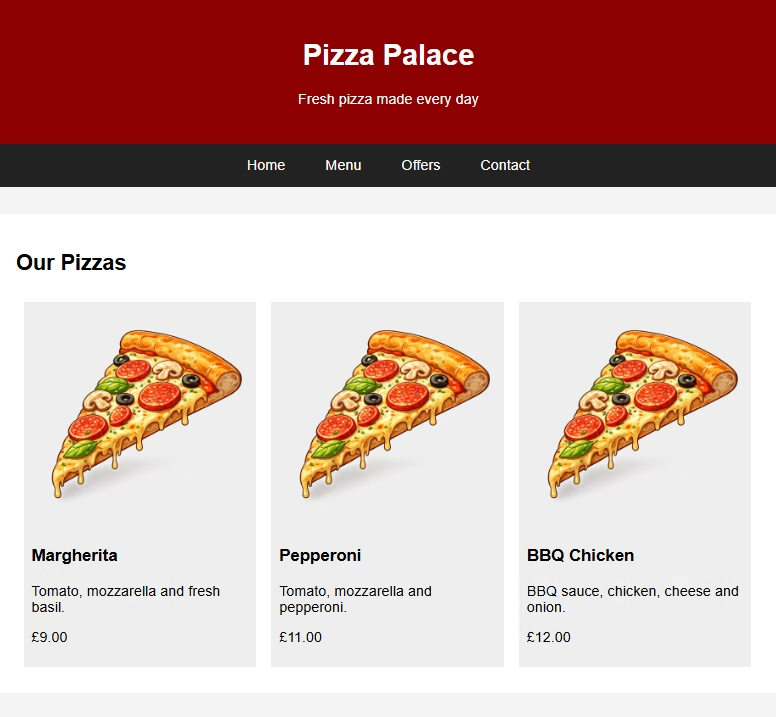
Create the desktop version of the webpage to match the example shown.
Your webpage should:
- Display a Pizza Palace header and slogan
- Include navigation links for Home, Menu, Offers and Contact
- Display three pizza cards side-by-side
- Include an image, name, description and price for each pizza
- Use CSS to style the colours, spacing and layout
HTML
<html>
<body>
    <header>
        <h1>Pizza Palace</h1>
        <p>Fresh pizza made every day</p>
    </header>

    <nav>
        <a href="#">Home</a>
        <a href="#">Menu</a>
        <a href="#">Offers</a>
        <a href="#">Contact</a>
    </nav>

    <main>
        <section>
            <h2>Our Pizzas</h2>
            <div class="pizza">
                <img src="https://superstudyparty.com/wp-content/uploads/2026/06/pizza.avif"
                     alt="Margherita Pizza">
                <h3>Margherita</h3>
                <p>Tomato, mozzarella and fresh basil.</p>
                <p>£9.00</p>
            </div>
            <div class="pizza">
                <img src="https://superstudyparty.com/wp-content/uploads/2026/06/pizza.avif"
                     alt="Pepperoni Pizza">
                <h3>Pepperoni</h3>
                <p>Tomato, mozzarella and pepperoni.</p>
                <p>£11.00</p>
            </div>
            <div class="pizza">
                <img src="https://superstudyparty.com/wp-content/uploads/2026/06/pizza.avif"
                     alt="BBQ Chicken Pizza">
                <h3>BBQ Chicken</h3>
                <p>BBQ sauce, chicken, cheese and onion.</p>
                <p>£12.00</p>
            </div>
        </section>
    </main>
</body>
</html>
CSS
body {
    margin: 0;
    font-family: Arial;
    background-color: #f4f4f4;
}

header {
    background-color: darkred;
    color: white;
    padding: 25px;
    text-align: center;
}

nav {
    background-color: #222222;
    padding: 15px;
    text-align: center;
}

nav a {
    color: white;
    margin: 20px;
    text-decoration: none;
}

main {
     width: 900px;
     margin: 30px auto;
}

section {
     background-color: white;
     padding: 20px;
     overflow: auto;
}

.pizza {
     width: 28%;
     margin: 1%;
     padding: 1%;
     background-color: #eeeeee;
     float: left;
}

.pizza img {
     width: 100%;
}
Phone Design
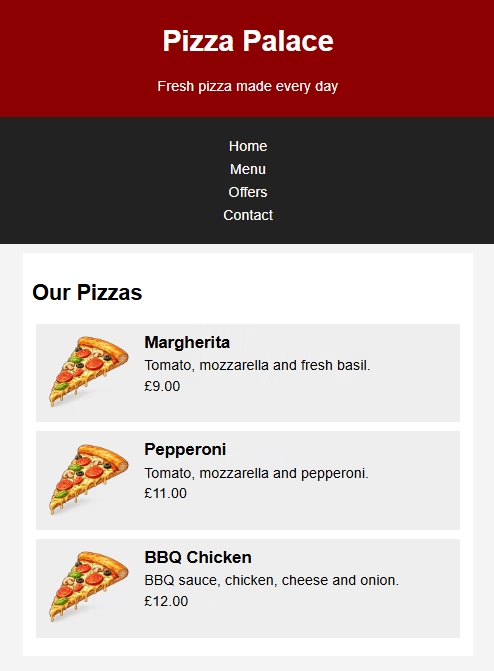
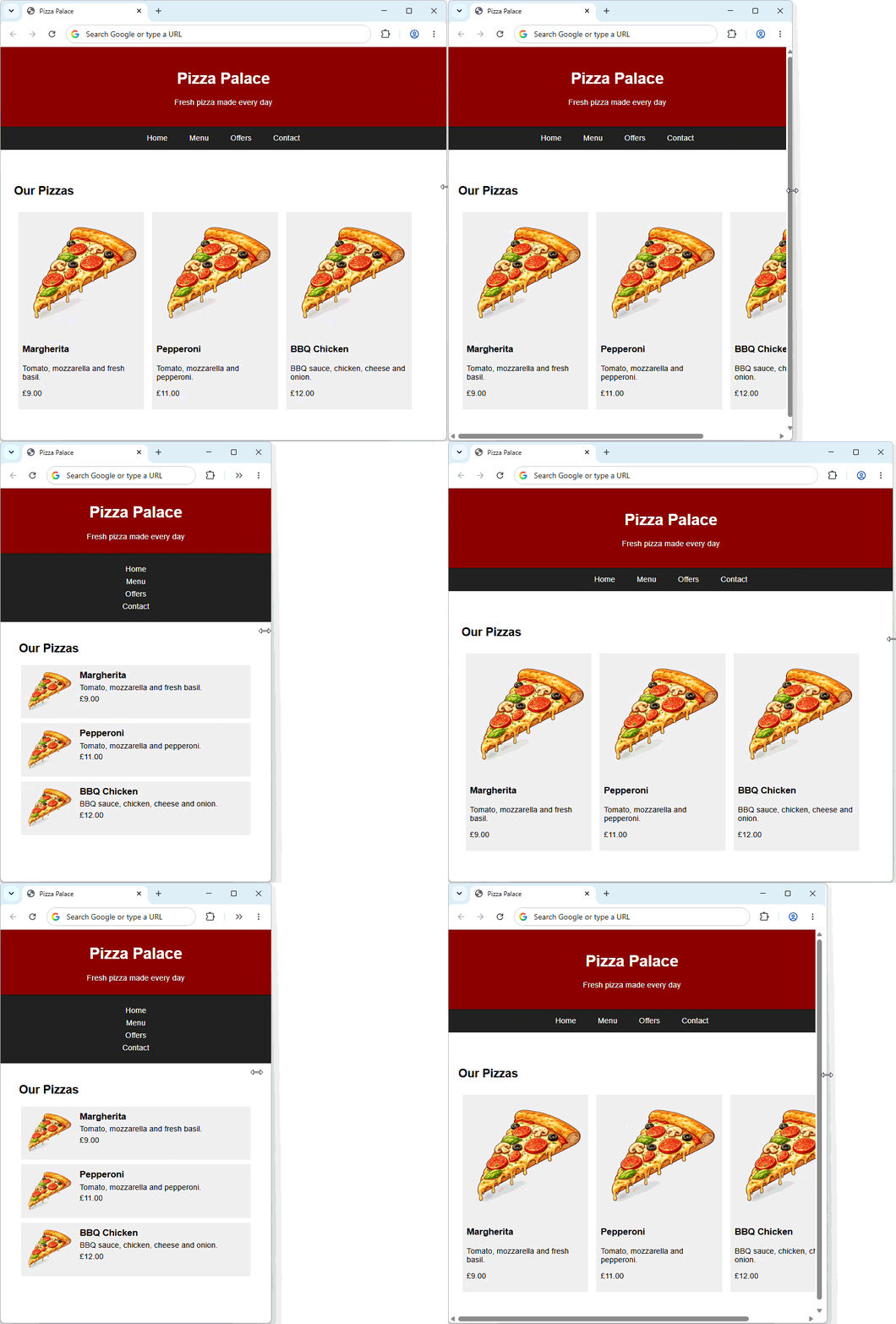
Use a media query to change the webpage when the screen width is 600px or less.
This media query will act as a phone screen to:
- Change the navigation menu from horizontal to vertical
- Display the pizza cards vertically
- Make the pizza images smaller
- Position the pizza images to the left of their information
- Adjust the width and spacing to suit the smaller screen